Miyerkules, Marso 9, 2016

Lesson 17: Tablets for Textbooks in Schools


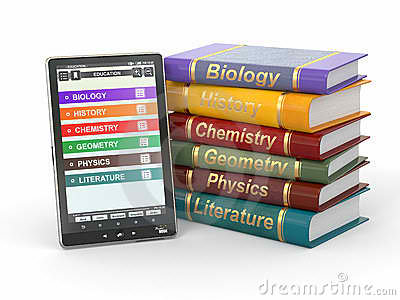
   Tablet for learning is still futuristic, but to day, books are still primary of medium of instruction in must schools. These will be replaced by digital technology reading tools, but there are now perceptions that virtual literary may very well ease out textual print literary, the disadvantages of using books for learning are being debated upon. the load of books and work books are backbreaking due to their weight and size. publishing and printing millions of books are just too expensive. The errors in public schools textbooks have also exposed, errors resulting from information, technical mistakes and editorial lapses.Technology is being viewed as a savior. Learning technology along with other audio-visual aids to teaching-and-learning.

      This lesson is trying to aid the inconvenience of having books as the primary medium of instruction wherein every day, students will bring a lot of heavy books. They are suggesting to have a digital-based medium of instruction specifically the use of computers or tablets for convenience. However, tablets-for-learning is still futuristic because of most common reason, finances.  Nevertheless, through both books and tablets help in students' learning, we cannot deny the fact that students nowadays would prefer those that are modern.

Lesson 16: The Internet and Education


         The Internet also called the net, us the largest and far-flung network system of all systems. Everything in the internet is coordinated through standardized protocol called Transmission Control Protocol/ Internet Protocol.  The vast sea of information now in the internet, including news and trivia, is an overwhelming challenge to those who wish to navigate it. 


Today schools are gearing up to take advantage of Internet access, where they can plug into the library of congress, make virtual visits to famous museums in the worlds, write to celebrities, and even send questions to heads of states. 


        Educational software materials have also developed both in sophistication and appeal. There is now a wider choice from rote arithmetic or grammar lessons to discovery and innovation projects. But the real possibility today's is connecting with the worlds outside homes, classroom, and internet classes. 


Lesson 15: Understanding Hypermedia

        Hypermedia is nothing but multimedia, but this time packed as an educational computer software where information is presented and students activities are integrated in a virtual learning environment. Most educational IT applications are Hypermedia and these include: 

                                                       Tutorial software 


                                                     Knowledge Webpages

                                                   Simulation instructional games

                                           Learning project management and others  


        These presentation of information-learning activities in hypermedia is said to be sequenced in a non-linear manner, meaning that the learner may follow his path of activities thus providing an environment of learner autonomy and thinking skills.

                  Characteristics of Hypermedia Applications

1) Learner Control. The learner makes his own decisions on the path,flow of events of instruction.

2)Learner wide ranges of navigation routes. The learner has a wide range of navigation routes such as by working on concepts, he is already familiar with. He may even if the previous activity is half-completed. He may explore other sections outing to return or complete the previous activity.

3) Variety of media. Hypermedia includes more than one media (text, graphics, audio, animations and video clips) but does not necessarily use all types of media in one presentation. Since only virtual learning activity takes places,  it is important from the standpoint of the teacher to optimize the learning process by identifying the characteristics of media application,  as well as the advantages and limitations of such as application.


Lesson 14: The Softwate as an Educational Resource

.


         In this lesson we will tackle about the software system that could be used in teaching and learning process. The computer is useless if the software is not installed in it. This lesson not just how to use computer or even know what are the parts that comprises a computer. We will begin our lesson by knowing what are the two kinds of software.

                             2 Kinds of Software 

1. The System Software. This is the operating system that is found or bundled inside all computer machines.


2. The Application Software. This contains the system that commands the particular task or solves a particular problem. 


  In turns the applications software may be: 
(a) Custom software that is made for specific tasks often by large corporations.


(b) Commercial software packaged for personal computers that helps with a variety of tasks such as writing papers, calculating numbers, drawing graphs,  playing games,  and so much more.


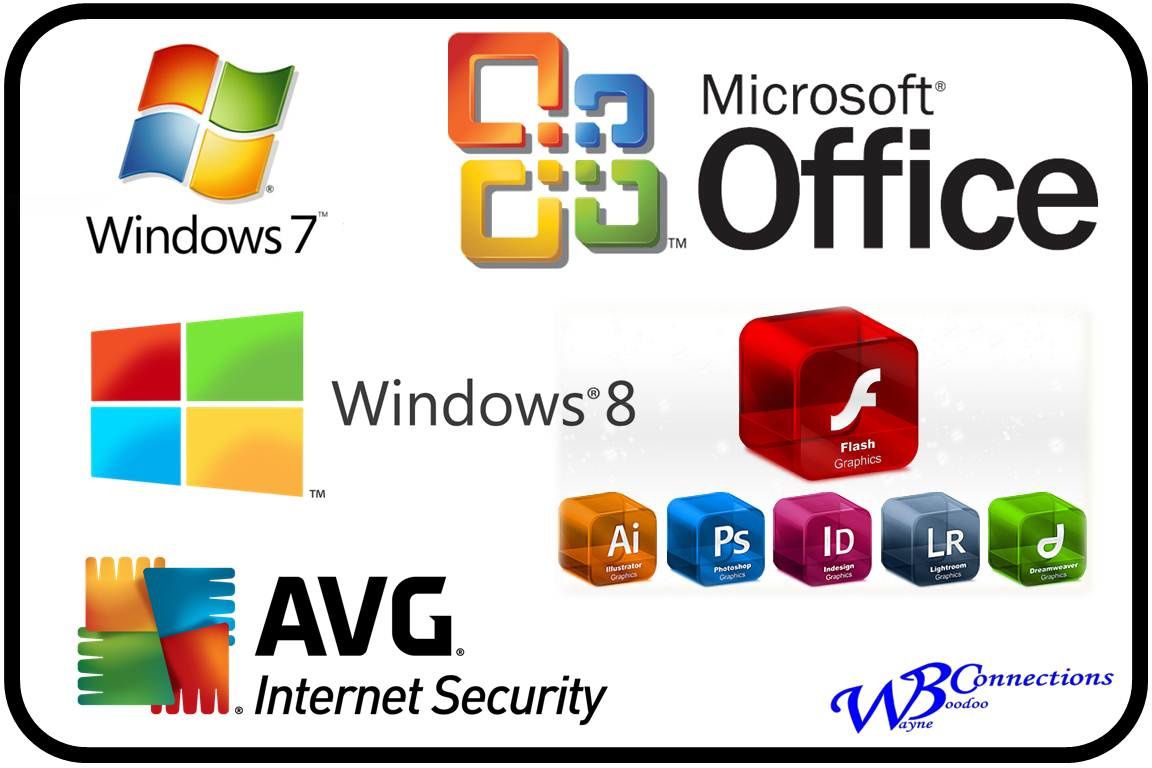
        Microsoft windows is a series of operating system produced by the Microsoft, it is an operating system between the user and the computer. 


   Instructional software can be visited in the Internet or can be bought from software shops or dealers.The teacher through his school should decide on the best computer-based instructional (CBI) materials for the school resource collection. But beware since CBIs need much improvement, while web-based educational resources are either extremely good or what is complete garbage.

Instructional Software